
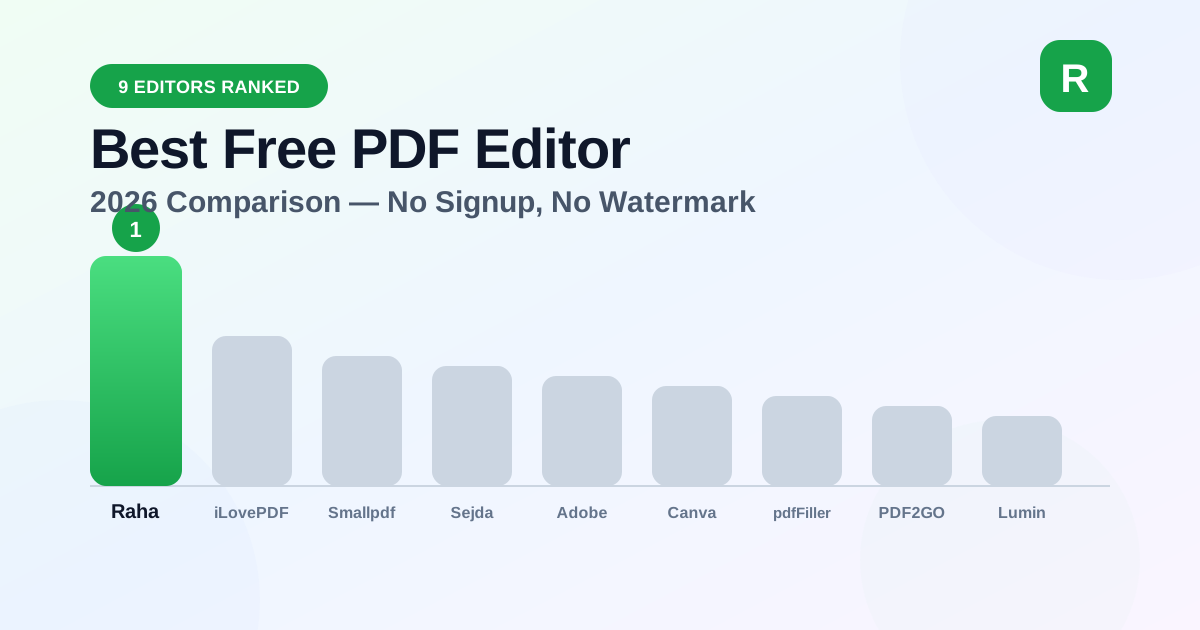
Best Free PDF Editor Online 2026 (No Signup, No Upload, No Watermark)
We compared 9 free PDF editors — Raha Tools, iLovePDF, Smallpdf, Sejda, Adobe, Canva, pdfFiller, PDF2GO, and Lumin — on privacy, signup, and watermarks.
Read MoreExpert advice on document management, PDF editing, and productivity — all from the Raha Tools team.
We compared 9 free PDF editors — Raha Tools, iLovePDF, Smallpdf, Sejda, Adobe, Canva, pdfFiller, PDF2GO, and Lumin — on privacy, signup, and watermarks.
Read More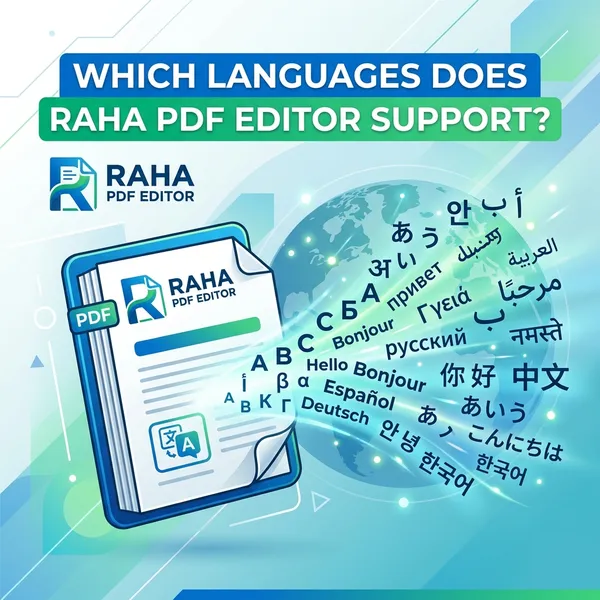
The full, honest list: 41 languages across Latin, Cyrillic, Greek and Arabic scripts, which ones aren't supported yet, and why OCR follows different rules entirely.
Read More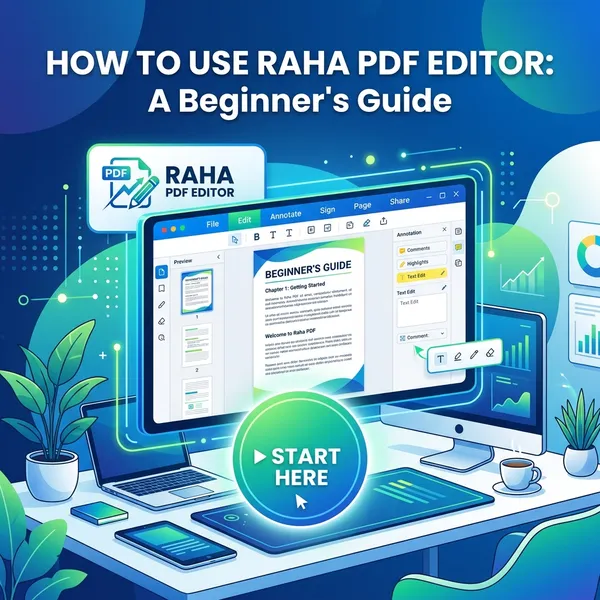
Never used a PDF editor before? A screenshot-by-screenshot walkthrough of every button, from uploading your first file to exporting the result.
Read More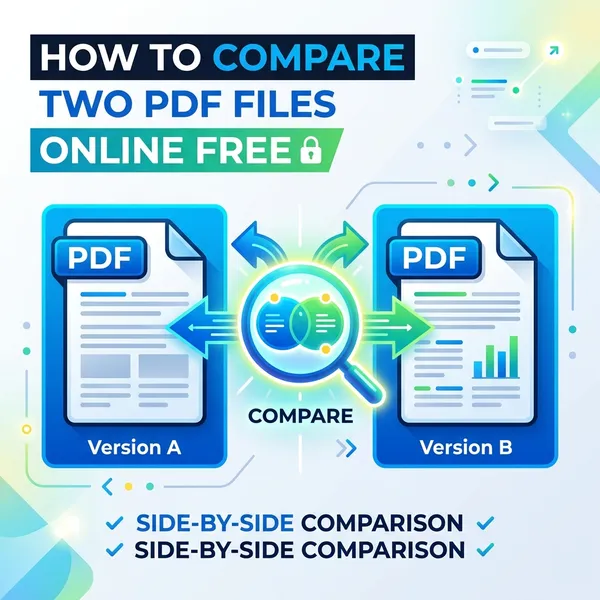
Two contract drafts, two invoice statements, one question: what actually changed? See how to compare two PDFs page by page, free and entirely in your browser.
Read More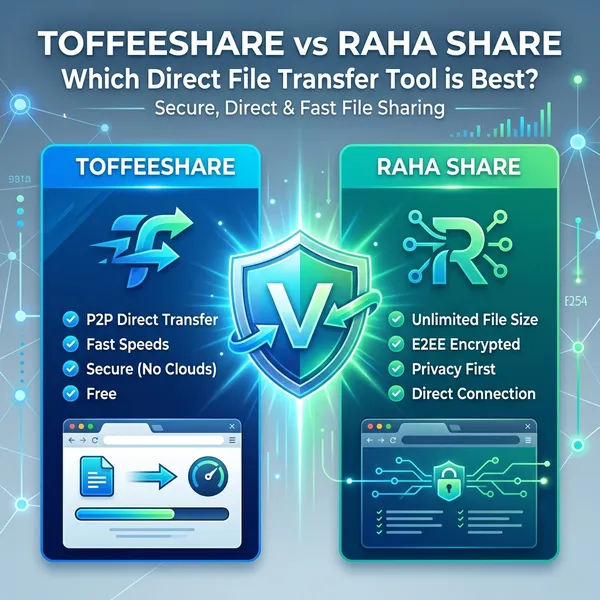
Both use WebRTC peer-to-peer transfer with no uploads and no size limits. See how Raha Share's ad-free interface and team sharing codes compare.
Read More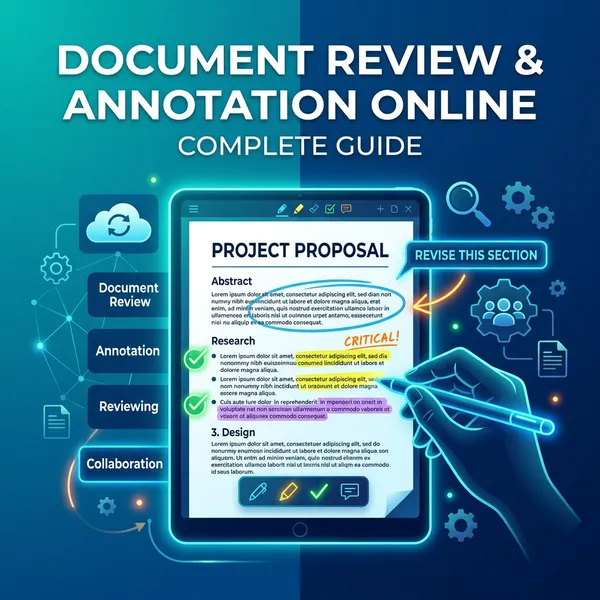
Every feature explained — categories, scoring, stamps, signatures, and multi-role sign-off — plus a full step-by-step walkthrough and FAQ.
Read More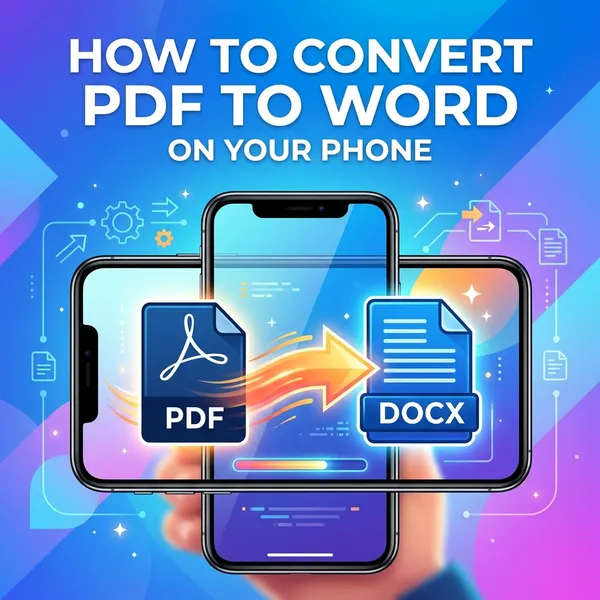
Turn a PDF into an editable Word document right from Safari or Chrome on your phone — no app store, no desktop needed.
Read More
A categorized roundup — edit, merge, compress, convert, sign, protect, and share files, all without creating an account.
Read More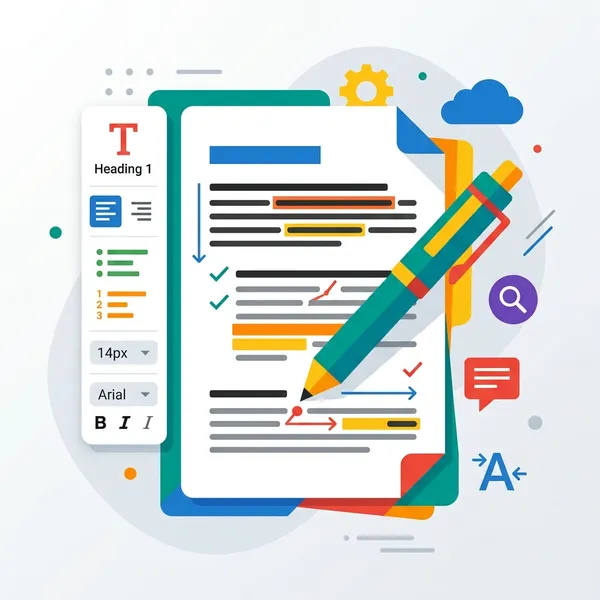
Every PDF editor claims to be "easy to use." We defined what that actually means, then tested Raha Tools, Sejda, Canva, Smallpdf, Soda PDF, and PDFgear against it.
Read More
Skip the upload bar entirely. A direct, private way to send files of any size straight to another device — no account, no size cap.
Read More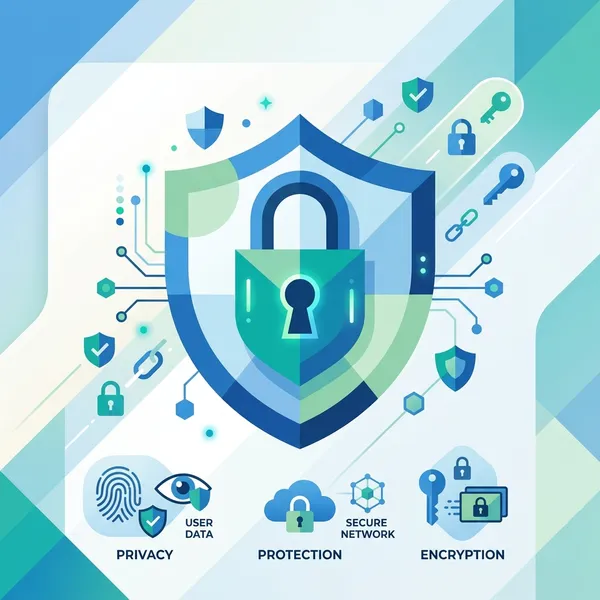
Most "redaction" is a black box with the text still underneath. Here's how to redact so the hidden data is truly gone.
Read More
Fix sideways or upside-down pages so the rotation sticks everywhere — not just in your viewer. Free and private.
Read More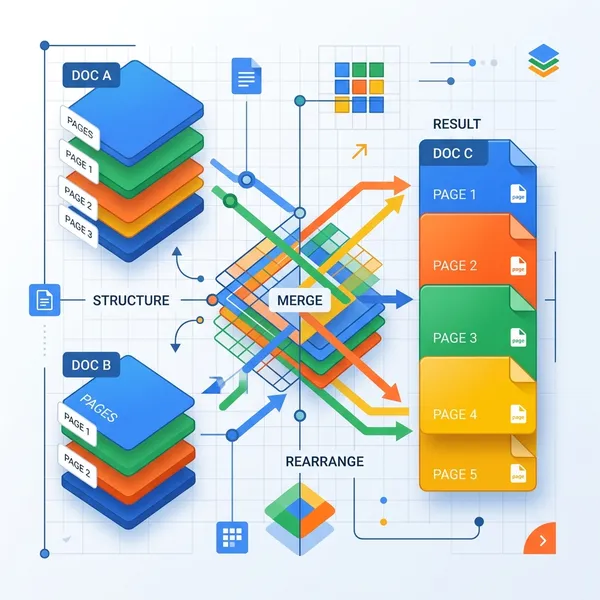
Stamp CONFIDENTIAL, DRAFT or your name across every page — set opacity and angle, with no added branding.
Read More
Choose position, format and starting number, then download — clean numbering on every page, no watermark.
Read More
Remove blank scans, cover sheets and unwanted pages from any PDF in seconds — visually, privately, with no upload.
Read More
Trim white margins and unwanted edges by dragging a box, apply to all pages, and download — losslessly and privately.
Read More
Create a custom QR code for a link, WiFi network, email or phone — pick your colors and download PNG or SVG. No expiry.
Read More
A scanned page is just a picture. Learn how to turn scans and photos back into editable text in seconds — privately, with no uploads.
Read More
Stop printing, signing, and re-scanning. Add an electronic signature to any PDF in your browser — no signup, no watermark, fully private.
Read More
Master professional PDF editing in your browser. Learn how to edit text, modify images, and sign documents with no software needed.
Read More
Secure your sensitive documents with our 2026 guide. Learn how to encrypt PDFs using military-grade AES-256 protection instantly.
Read More
Stop juggling multiple files. Combine dozens of PDF documents into a single, organized masterpiece in seconds — privately and free.
Read More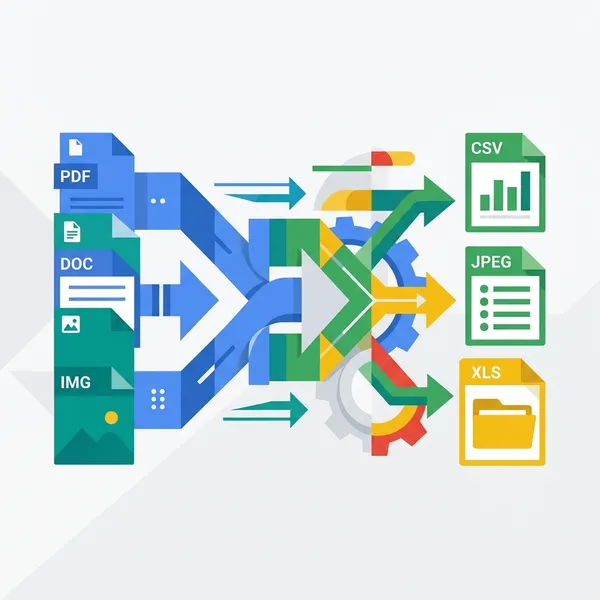
Is your PDF too big to email? Learn the professional secrets to shrinking file sizes by up to 90% while keeping images crisp.
Read More
Tired of broken layouts? Discover the best way to transform PDFs into flawless, editable Microsoft Word files in seconds.
Read More
Is your sensitive data safe? Learn why local-first browser editing is the future of document privacy and security in 2026.
Read More
Looking for the best free document review tool? Learn how to annotate, highlight, and add sticky notes to PDFs online instantly.
Read More
The ultimate guide to professional mobile PDF editing. Modify documents from your iPhone or Android without installing heavy apps.
Read More
A scanned PDF has no editable text. Learn the two-step fix: extract text with free OCR, then edit it directly in your browser.
Read More
A deep dive into PDF security standards. Learn the technical differences between AES and RC4 encryption and why AES-256 is the modern standard.
Read More
Fillable or not, on desktop or phone — how to complete any PDF form without printing it, without an account, and without it ever leaving your device.
Read More
Can you edit a PDF after it's been signed? A clear guide to what's normal, what's risky, and the right way to change a signed document.
Read More
Six common mistakes that break a PDF's formatting when you edit it — text that won't select, fonts that change, alignment that shifts — and the fix for each.
Read More
Edit and repair messy PDF text in seconds — fix incorrect colors, restore fonts, and align text properly, all in your browser with no software install.
Read More
Solve the "PDF text not editable" problem for good — reconstruct the text layer and start editing directly in your browser, 100% free.
Read More