
0%
Initializing Converter…
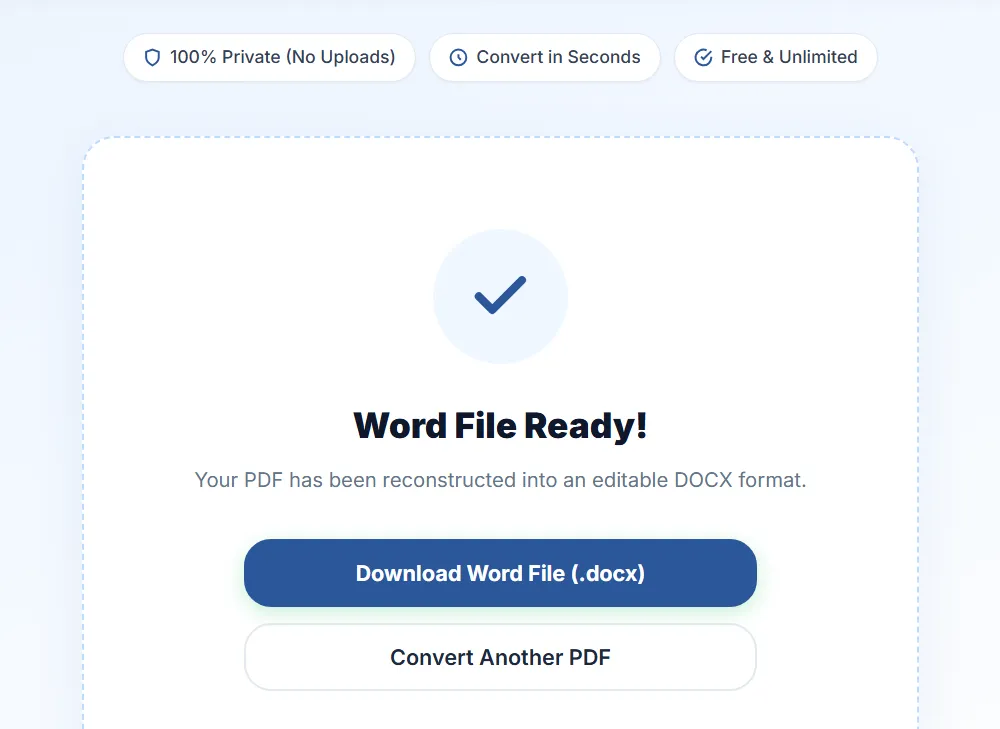
Word File Ready!
Your PDF has been reconstructed into an editable DOCX format.
Experience the world's most accurate online PDF to Word converter. Reconstructs text, columns, tables, and vector graphics precisely.
Your PDF has been reconstructed into an editable DOCX format.
Exported files are fully editable in Word
Preserves columns, tables, & spacing
Encrypted transfer over secure HTTPS
Lightning fast engine conversion
Raha Tools handles complex layouts that make other converters fail. See how our parser manages challenging document attributes.
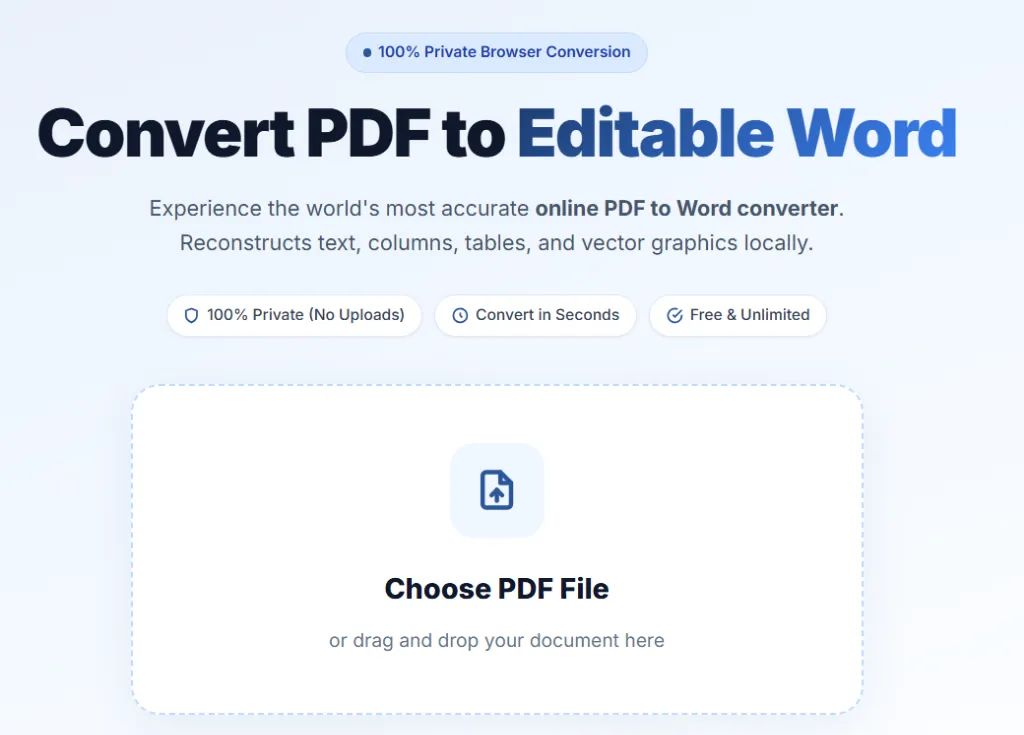
Drag and drop your PDF document or click to browse files from your computer or smartphone.
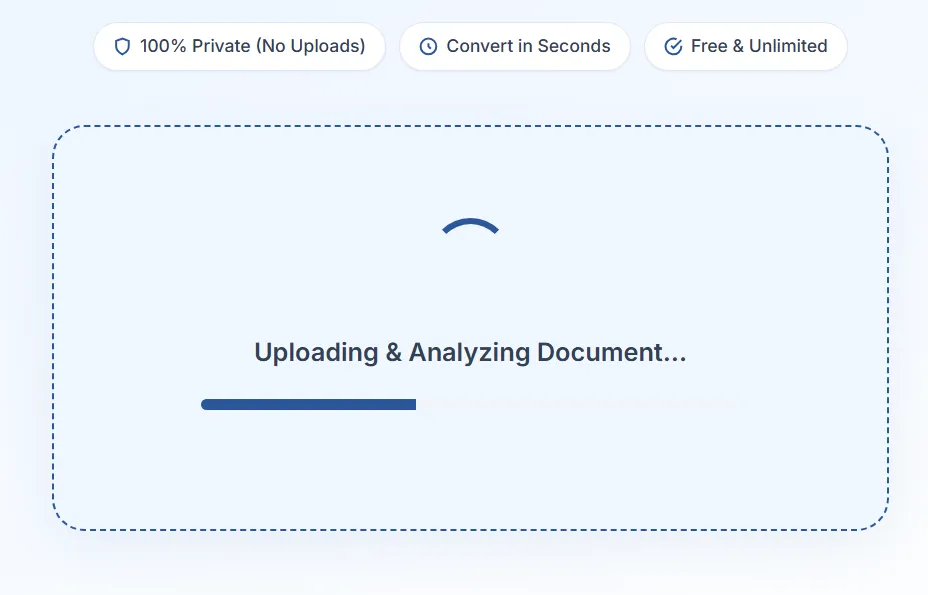
Our precision parser scans the coordinate positions of texts, tables, and images in the PDF.
Download the fully styled, editable Microsoft Word file (.docx) with all layout elements intact.
Seamlessly modify contracts, invoices, policies, and formal proposals without copy-pasting raw text.
Extract questions, chapters, and visual tables from research papers and textbooks for study outlines.
Convert manuscripts, templates, and brochures back into Microsoft Word formats for easy proofreading and editing.
Are you tired of online PDF to Word converters that completely ruin your document formatting? Traditional online tools output misaligned text blocks, overlap cells, and substitute standard font headings, turning editing into a massive nightmare. The Raha Tools PDF to Word Converter changes everything. Our advanced precision parser analyzes structural coordinate grids in real-time, reconstructing character groupings into native, flowable, and beautifully formatted Microsoft Word (.docx) files.
Unlike raw canvas extractors that break every single line of text into disconnected float boxes, Raha Tools detects reading order, font families, styles, line spacing, margins, and column layouts. The result? A fully responsive Word document with genuine fluid paragraphs, natural text wraps, and exact page breaks that you can start editing immediately.
If you've ever converted a bank statement, invoice, or coordinate spreadsheet only to get an unaligned canvas of absolute text layers, you know the frustration. Raha Tools matches PDF borders, background shading, alignments, and padding to build real, native Word tables with clean rows and columns. You can edit cells, add formulas, and customize borders with zero visual overlap.
Your documents contain personal credentials, pricing plans, financial logs, or confidential legal clauses. Raha Tools protects them with a strict encryption-first approach. Your file is sent over a secure, encrypted (HTTPS) connection, and all extraction, parsing, and DOCX construction are completed on our server before the result is returned to you. The connection is encrypted end to end, in line with modern security guidelines.
Everything you need to know about Raha Tools PDF to Word Converter.
Our precision reconstruction engine scans the geometric positions of letters, tables, and shapes in the PDF. Instead of outputting fixed-position boxes, it semantically builds continuous text flows, real columns, and structured tables, ensuring 1:1 parity with the original document.
Your file is uploaded over a secure, encrypted (HTTPS) connection, converted on our server, and the result is returned to you for download. The connection is encrypted end to end. If you need fully on-device processing, our browser-based PDF editor never uploads your file.
No. Raha Tools is free to use and requires no registration, signup, email submission, or installation. You get high-fidelity conversions without watermarks or hidden fees.
Yes. Raha Tools dynamically maps grid coordinates to generate native Microsoft Word table structures with editable cells, borders, and margins instead of converting them into static text lines.
Yes, our high-performance engine can process very large PDF documents quickly, handling long page counts without the bottlenecks of slower conversion tools.
Enjoy free, fast, and high-fidelity secure conversions with Raha Tools.
More ways to work with your files, free, right in your browser.