
Ranked #1 Professional CV Maker for 2026
Create an ATS-friendly CV online in minutes. Our high-impact professional resume templates are designed by career experts to get you hired. Free to use, no watermark, no signup.
Ready to Start?
Choose a template and fill in your details. No credit card or account required.
Open CV BuilderProfessional Resume Templates for 2026
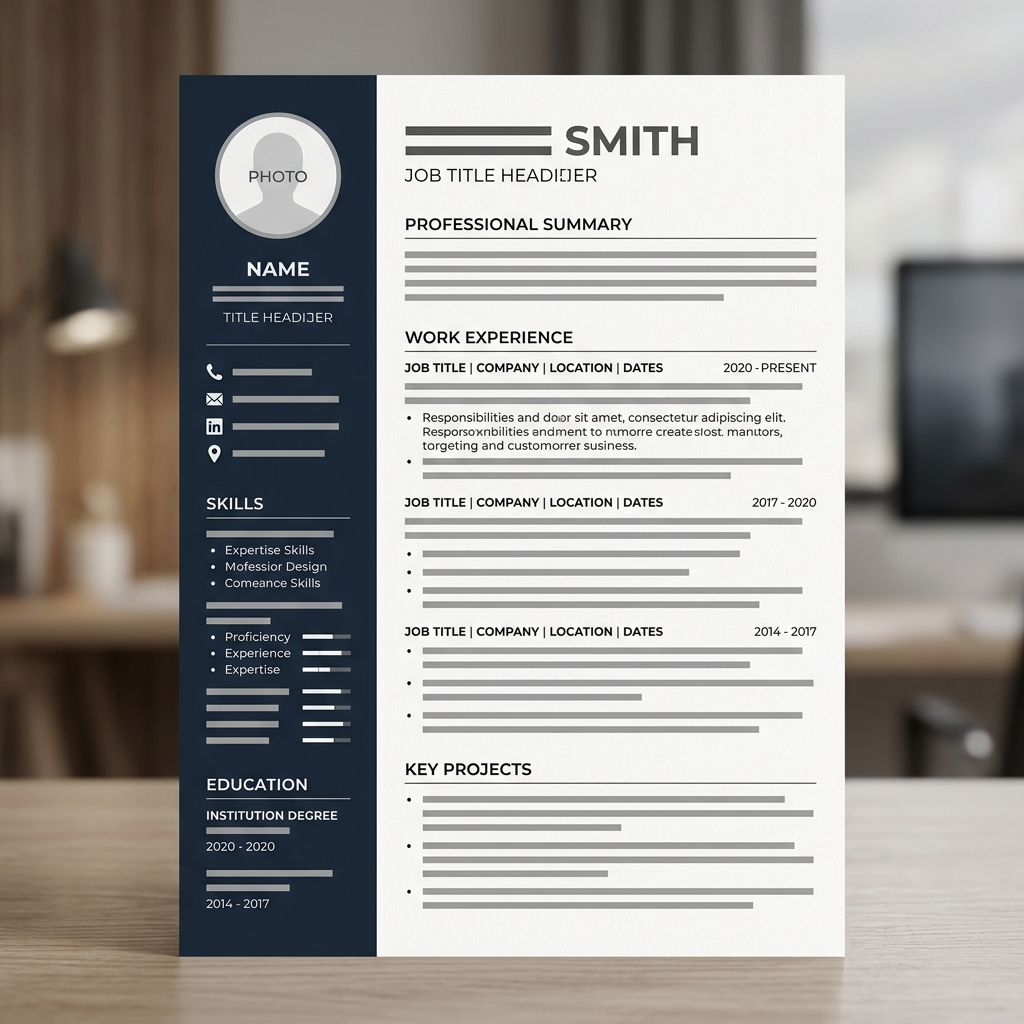
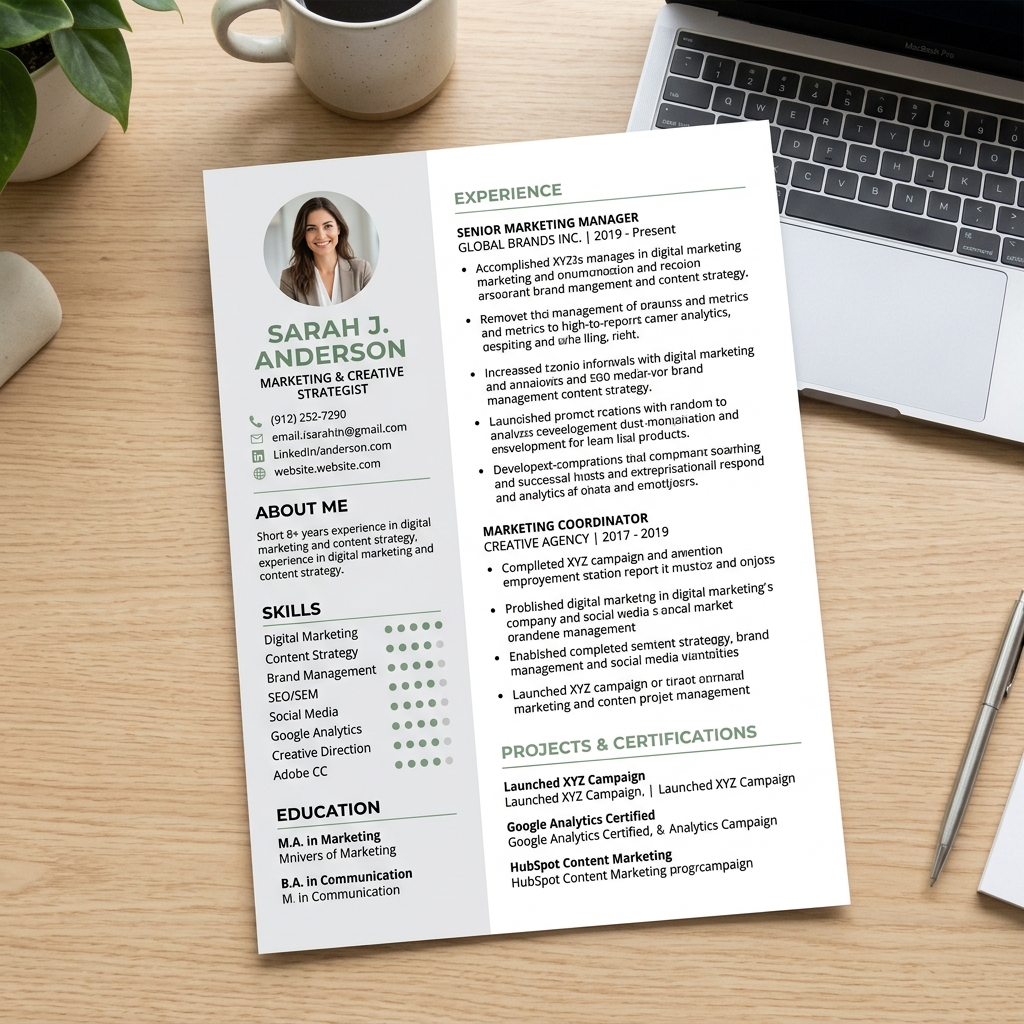
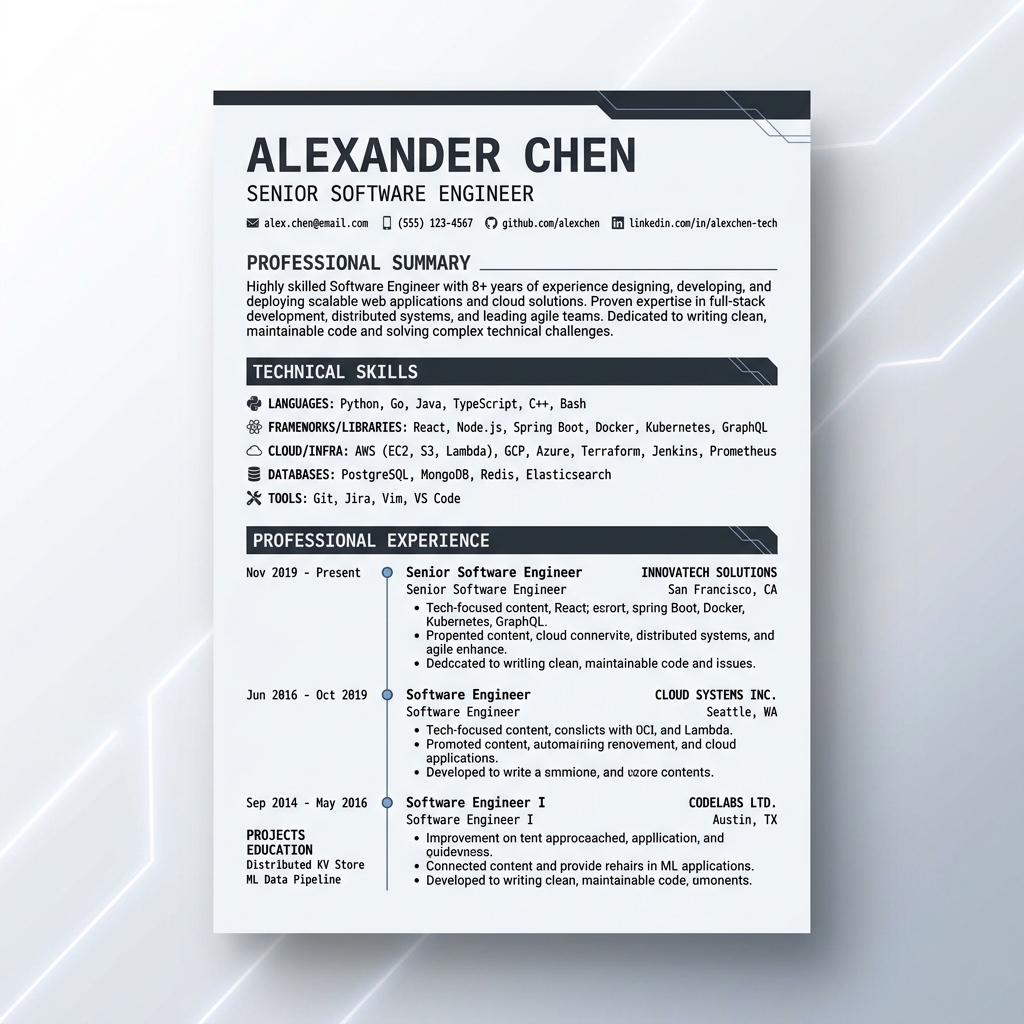
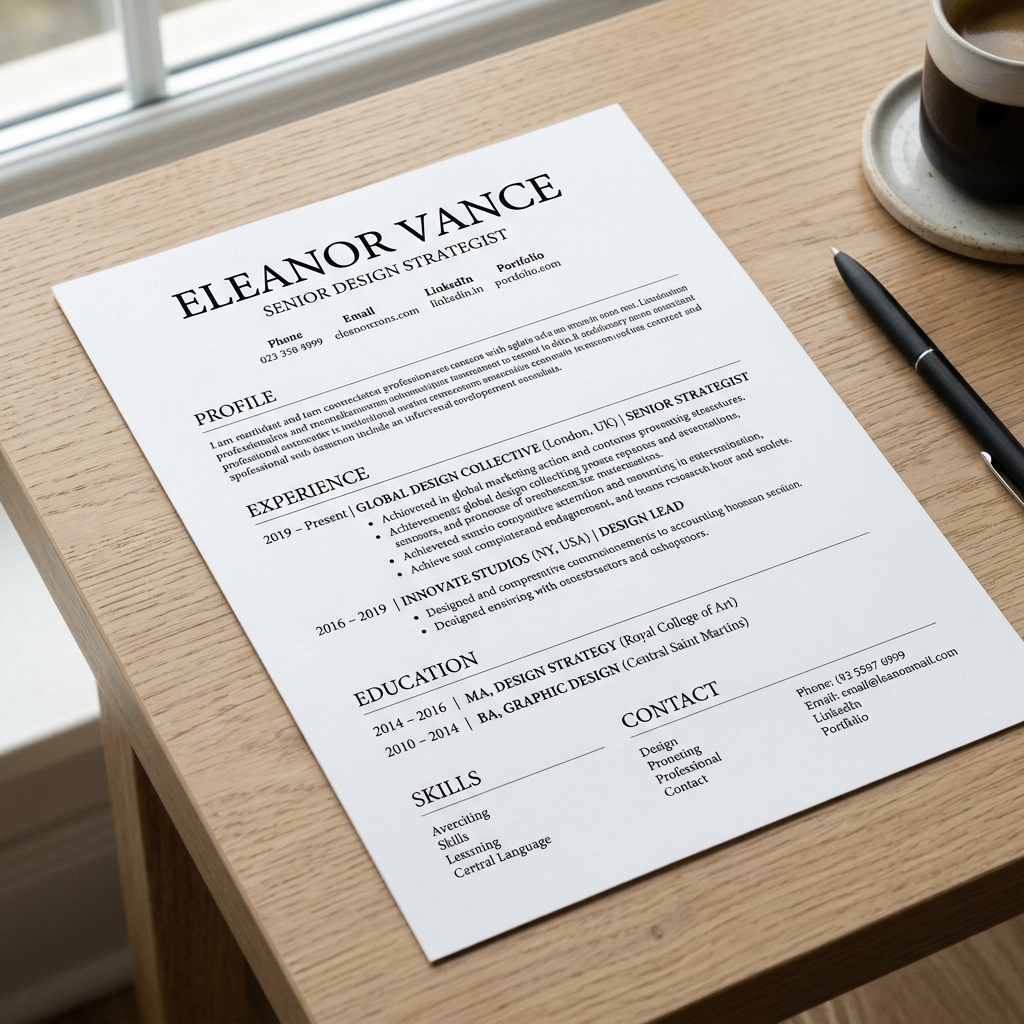
Explore our curated collection of ATS-friendly resume templates. Whether you're in Tech, Finance, or Creative arts, our designs ensure your professional CV stands out in a crowded job market.
Specialized CV Solutions for Every Career
Tech & IT
Optimized for software engineers and data scientists.
Executive & Mgmt
High-impact layouts for senior leadership roles.
Student & Entry
Clean designs to highlight education and potential.
Creative & Design
Visually stunning resumes for portfolio-heavy roles.
Why ATS Compatibility Actually Matters
Before a human ever reads your resume, most mid-size and large companies run it through an Applicant Tracking System (ATS) — software that parses your document, extracts your work history and skills, and ranks candidates before a recruiter sees anything. ATS software is widely reported to be used by the large majority of major employers, and it's now common at smaller companies too.
The problem: a resume that looks great to a human can be unreadable to an ATS. Multi-column layouts, text embedded in image-based headers, decorative fonts, tables, and heavy graphics can all cause parsing errors — the system reads job titles and dates in the wrong order, drops entire sections, or fails to detect your skills at all. You usually never find out why; the application just goes nowhere.
Raha's resume templates use a single-column, standard-font structure specifically to avoid these parsing failures, so what a recruiter sees in their ATS dashboard actually matches what you designed.
The Most Advanced Professional CV Maker of 2026
Raha Tools provides an online CV maker no watermark that combines world-class design with ATS-optimization technology. Stop worrying about formatting and start focusing on your career. Create a professional resume online free and download your PDF instantly.
- Live Design Previews: See your changes instantly with our high-fidelity document rendering engine.
- 100% ATS Friendly: Every template is tested against major recruitment software like Greenhouse and Workday.
- No Signup Required: Create, edit, and download your PDF CV without sharing your email.
Build Your CV in 3 Simple Steps
Choose a Professional Template
Select from our gallery of modern and traditional resume designs.
Add Your Professional Content
Use our intuitive interface to add your experience, skills, and education.
Download Your Free PDF
Export a high-resolution PDF resume instantly with no watermark.
Frequently Asked Questions
Is this CV maker free to use?
Yes! Raha Tools offers a free resume builder with no hidden costs and absolutely no watermarks on your downloaded PDF. It's the best free professional resume builder 2026 available.
Are the templates ATS-friendly?
Absolutely. Every resume template in our library is designed using standard fonts and clean layouts to ensure 100% compatibility with Applicant Tracking Systems.
Do I need to create an account?
No. We value your privacy. Your data is stored locally in your browser and never uploaded to our servers unless you explicitly choose to save it.
Can I download my resume as a Word document?
Right now the CV Maker exports a high-resolution PDF — the format most ATS systems and recruiters expect. Word (.docx) export isn't available yet.
How long should my resume be?
One page for most students, freshers, and professionals with under 10 years of experience. Two pages is acceptable for senior or executive roles with a longer track record.
Can I edit my resume after I've downloaded it?
Yes. Come back to the CV Maker, choose the same template, and update your details — there's no limit on how many times you can regenerate your PDF.
Which templates are best for students or first-time job seekers?
Our Student & Entry templates are built to highlight education, coursework, and internships when work history is still light — clean layouts that don't leave obvious empty space.
Premium Templates
Choose from 10+ designer-crafted templates ranging from Corporate to Creative and Tech.
Easy Customization
Our "Fill-in-the-blanks" interface makes it simple to add experience, education, and skills.
One-Click PDF
Download a high-resolution, professional PDF instantly. No watermarks, no fees.
Resume Writing Tips (And Mistakes to Avoid)
A good template only gets you halfway there. These are the details that actually change whether your resume gets read.
Lead with numbers, not duties
"Managed a team" says little. "Managed a team of 6 and cut onboarding time by 30%" says everything. Quantify results wherever you can.
Start bullets with action verbs
"Led," "built," "reduced," "launched" read faster and stronger than "Responsible for..." or "Worked on...".
Skip the objective statement
"Seeking a challenging role..." tells a recruiter nothing about you. A short professional summary highlighting real experience works far better.
Keep it to one page (usually)
Unless you have 10+ years of relevant experience, one page reads as focused, not incomplete. Cut older or irrelevant roles rather than shrinking the font.
Tailor it to the job
Mirror the language in the job description in your skills section — it helps both ATS keyword matching and a human skimming for fit.
Proofread out loud
Typos are one of the fastest ways to get rejected. Read your resume out loud, or have someone else read it, before you send it anywhere.
The Best Free CV Maker for 2026
In today's digital-first job market, your resume needs to do more than just list your experience—it needs to pass through automated screening systems (ATS) and catch the eye of human recruiters in seconds. Raha Tools' Professional CV Builder is engineered to meet these modern standards.
Why choose our CV Builder?
Most online resume makers lure you in with a "free" promise, only to charge you $20 for the PDF download. Raha Tools is different. We believe professional branding tools should be accessible to everyone. Our tool runs 100% in your browser, meaning your personal data never leaves your device, and your PDF is generated locally for maximum privacy.
How it Works
Building your resume is simple: Choose one of our 10+ professional templates, fill in your personal details, and add your professional history. Our dynamic preview updates in real-time, showing you exactly how your CV will look on paper. Once satisfied, hit download and you're ready to apply!