Browser vs Desktop PDF Editors:
The Ultimate Security Guide
Is your sensitive data leaking through your web browser? Learn why the old 'Desktop vs Online' debate is dead, and why Local-First tools are the only safe choice in 2026.
The way we work with documents has changed forever. For decades, the rule was simple: for "serious" work and security, you used desktop software. For "quick and dirty" tasks, you used online tools. But as we move into 2026, those lines have blurred—and in some cases, reversed.
In this guide, we'll dive deep into the technical architecture of modern PDF tools to determine which platform actually protects your data better. The answer might surprise you.
Local-First Browser Tools
- No file uploads to servers
- Instant processing in RAM
- No account tracking
- Zero-knowledge architecture
Legacy Cloud Tools
- Files stored in cloud databases
- Metadata used for advertising
- Signup/Email required
- Data breaches are a constant risk
The Myth of "Online = Unsafe"
Historically, online PDF editors were unsafe because they required you to upload your document to a remote server. The server would then "draw" the PDF and send back a preview. Every word of your contract or bank statement lived on a third-party server.
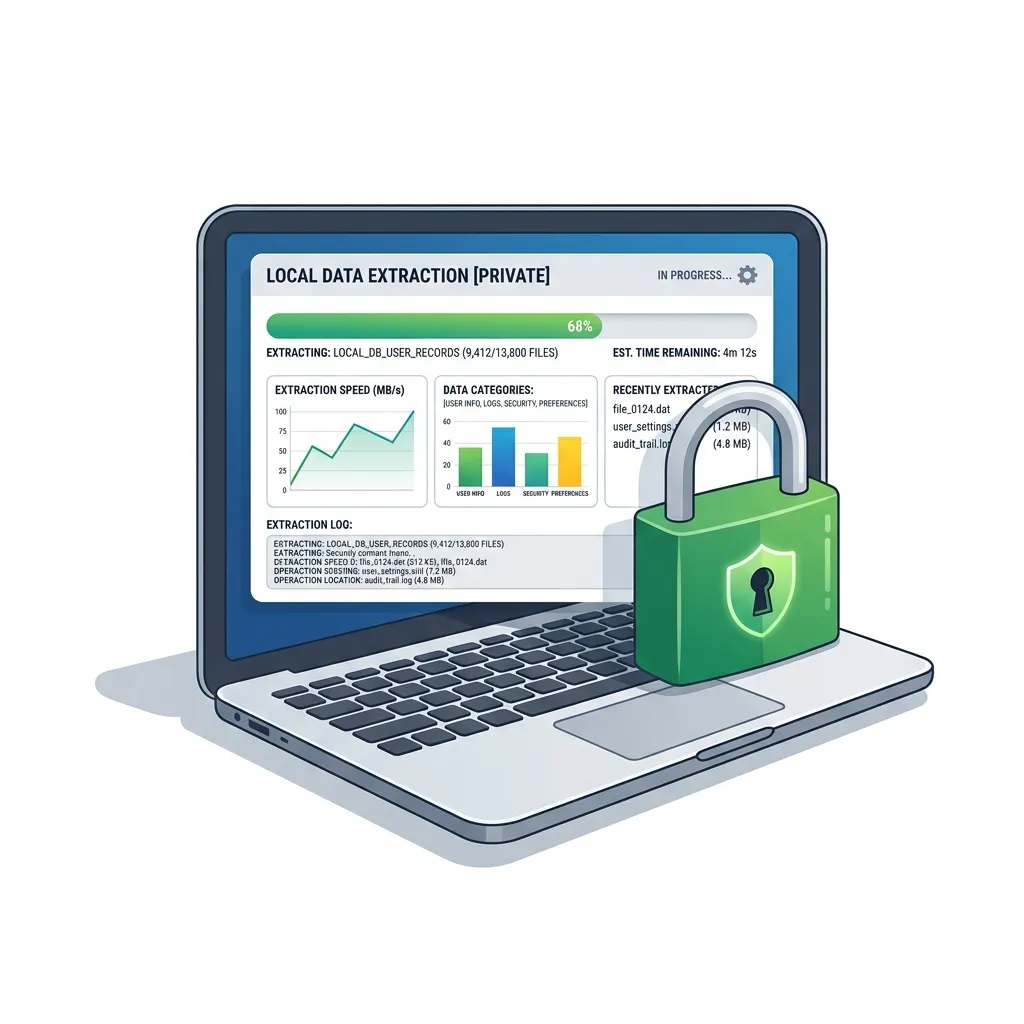
Raha Tools has changed this narrative. By using WebAssembly (Wasm), we've brought the entire desktop engine into the browser. When you use our PDF Editor, your file stays on your hard drive. The browser merely acts as the interface, not the storage.
Desktop Software: The Hidden Risks
While desktop software doesn't "upload" your files, it often carries other risks:
- Bloatware & Spyware: Many "free" desktop PDF readers track your usage patterns.
- Security Vulnerabilities: Outdated desktop apps are prime targets for PDF-based malware.
- Cloud Syncing: Most modern desktop suites (like Adobe) now force cloud syncing by default, effectively uploading your local files anyway.
Why Browser-Based Tools Win in 2026
The modern browser is one of the most secure sandboxed environments ever built. By running PDF tools locally within this sandbox, you get the best of both worlds: the convenience of a website and the privacy of a local app.
Experience Zero-Knowledge Editing
No uploads. No accounts. No tracking. Just professional tools.
Start Private EditingSecurity FAQ
Is my data saved on Raha Tools servers?
No. We do not have a backend database for your documents. Our tool is 100% serverless for document processing. Once you close the tab, all session data is wiped from your browser's memory.
Can I use Raha Tools offline?
Yes. Once the page is loaded, you can disconnect from the internet and continue editing, merging, or compressing your PDFs. This is the ultimate proof of our local-first architecture.
