Convert Microsoft Word (.docx) files to high-fidelity PDF documents in seconds. Processed 100% locally and privately — your files never leave your device.
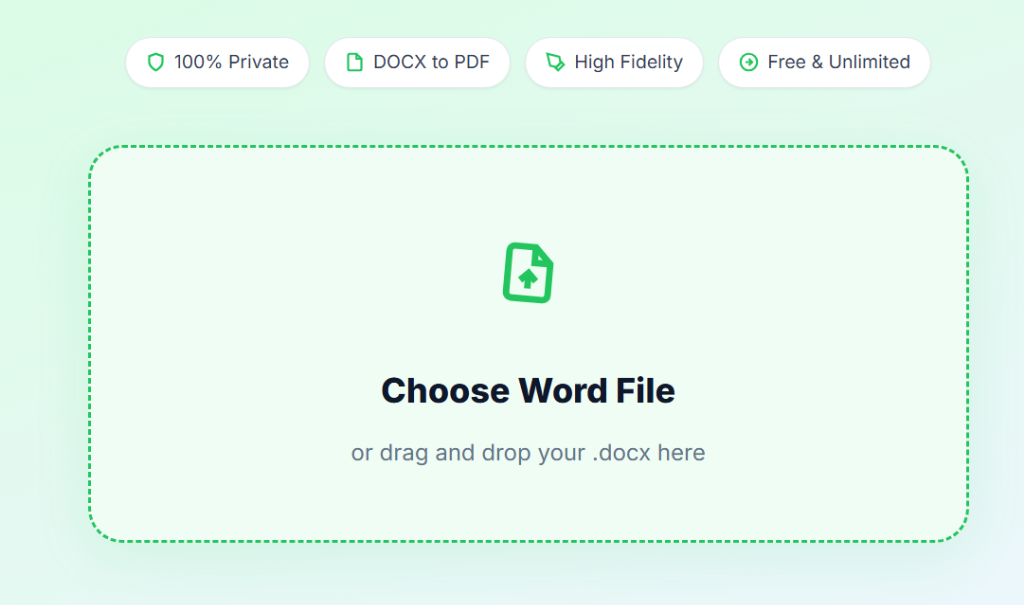
or drag and drop your .docx here
Initializing Converter…
document.pdf
Perfect page bounds
Font & margin alignment
Vector-perfect elements
Files stay on device
Inside the Conversion Engine
Raha Tools uses a dual-engine architecture to ensure your PDF is a flawless, high-fidelity copy of your original Word document.

Simple 3-Step Process
Instantly convert your Microsoft Word files to professional PDFs in three simple steps.
Drag and drop or click to choose any Microsoft Word (.docx) file from your computer or mobile device.
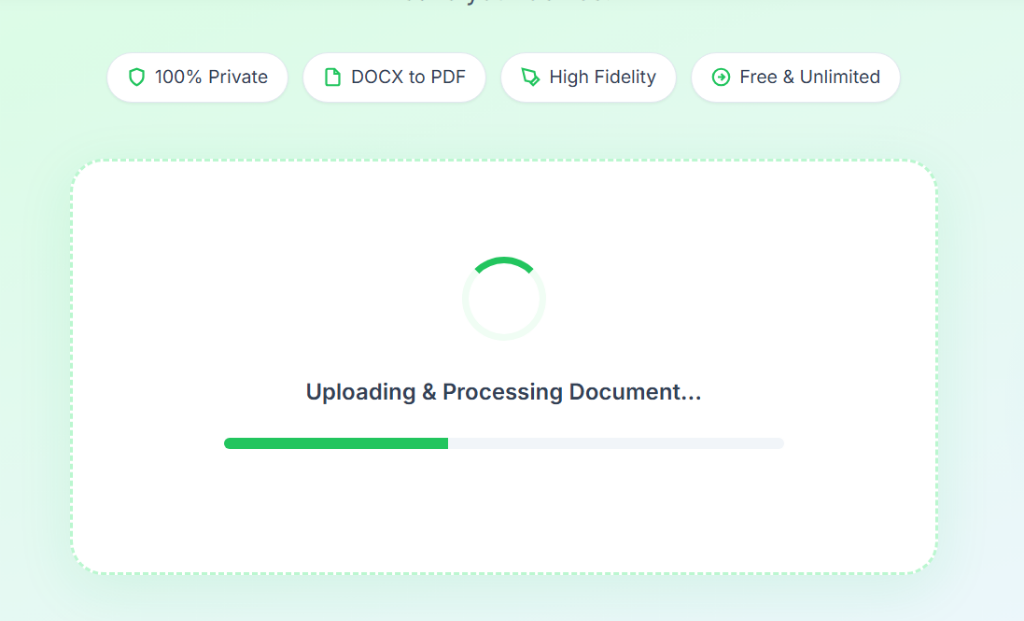
Our secure localized Python backend parses formatting, styling, tables, and images with pixel-perfect accuracy.
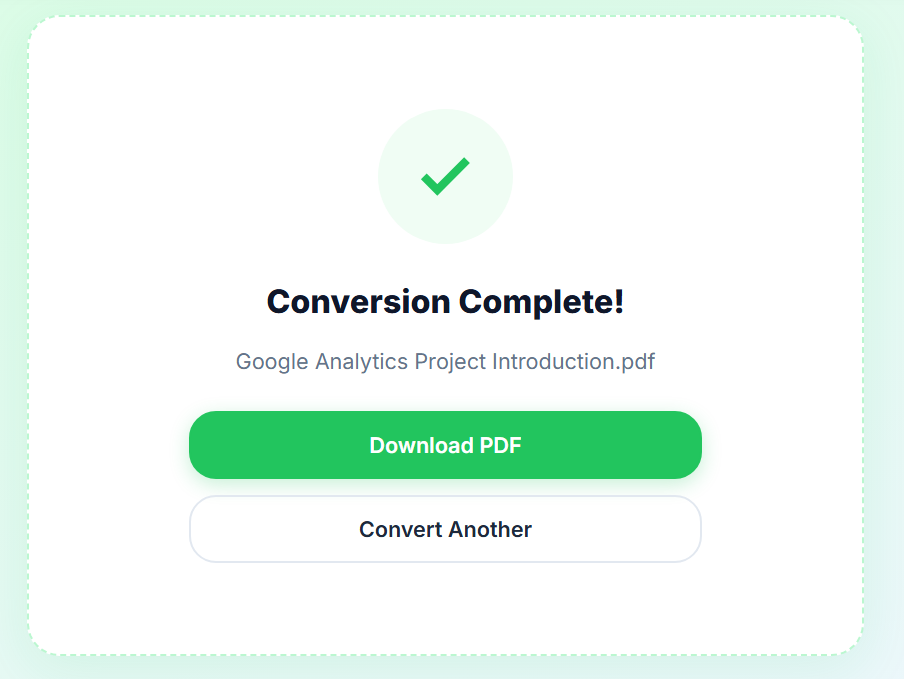
Click "Download PDF" to save your high-quality converted document immediately. Processed completely in-browser!
Common Use Cases
From corporate reports to academic theses, our high-fidelity conversion is trusted by millions.
Ensure that signatures, pricing tables, terms of service, and legally binding agreements preserve exact formatting when sent to clients.
Maintain precise layout bounds for equations, footnotes, charts, bibliographies, and tables when submitting academic work.
Export your resume layout perfectly to PDF. Avoid layout shifts, font failures, and text truncations when viewed by recruiters.
Converting Microsoft Word documents (.docx) to PDF is one of the most common administrative chores. However, most free online tools struggle with formatting parity—resulting in missing tables, displaced page alignments, mismatched headers, and distorted fonts. The Raha Tools Word to PDF Converter resolves these problems with a powerful client-side dual-engine renderer. It maps character coordinates, font metrics, spacing, and layout properties directly into high-fidelity PDF vectors with 100% precision.
Multi-column lists, grid alignments, spreadsheets, and pricing structures often undergo severe visual distortion during basic conversion. Raha Tools analyzes DOCX coordinate bounds, matching alignments, background shades, and cell padding to reconstruct pristine tables without text overlapping or wrapping errors.
Instead of breaking lines of text into random disjointed blocks, our converter preserves paragraph styling, standard font sizes, margins, bulleted lists, and indentation layers. The generated PDF matches your source document exactly—with headers, footers, page numbering, and line-breaks fully intact.
Most conversion tools force you to upload sensitive contracts, letters, or resumes to external servers. This exposes corporate assets to data leaks and privacy violations. Raha Tools utilizes a strict local-first architecture. All calculations, parsing, and PDF builds occur safely inside your device memory. Your confidential files never touch third-party cloud queues or databases.
Everything you need to know about Raha Tools Word to PDF Converter.
Our tool uses a dual-engine document layout parser. It scans XML coordinates, bullets, margins, headers, and images with 1:1 pixel parity, transforming them into high-density PDF vectors to guarantee absolutely no layout shifts.
No. All parsing, rendering, and conversion take place directly inside your local browser memory sandbox or secure local API endpoints. Your files are completely safe and never touch cloud storage.
No. Raha Tools provides unlimited free conversions with no page caps, file restrictions, subscription banners, or email requests.
Yes. Our parsing engine is optimized to accurately position nested tables, running headers/footers, lists, and footnotes exactly as designed in your Microsoft Word application.
No software download or user registration is required. You get instant in-browser conversions and a simple one-click download entirely online.
Convert your DOCX to professional-grade PDF instantly with perfect layout parity.
