How to Merge PDF Files Free
Online & No Limits
Stop juggling multiple files. Learn how to combine dozens of PDF documents into a single, organized masterpiece in seconds—with no file size limits.
Managing scattered documents is a productivity killer. Whether you're assembling a loan application, combining monthly reports, or merging multiple chapters of a book, you need a way to join PDFs that is fast, maintains quality, and doesn't limit your creativity with "file size exceeded" errors.
In this comprehensive 2026 guide, we'll show you how to merge PDF files online for free using tools that respect your privacy and provide total control over page order and document structure.
Pro Tip: Merge Unlimited Files
Raha Tools doesn't set artificial limits. Use our Local-First Merger to join 50+ documents at once without a single server upload. Perfect for large-scale legal and academic work.
Open PDF MergerWhy Merging PDFs Manually is a Nightmare
Before the rise of modern browser tools, merging PDFs usually required expensive software like Adobe Acrobat or complicated workarounds like printing to PDF. Online tools helped, but they introduced new problems:
- Page Limiters: "Free" tools often stop you after 5 or 10 pages.
- Slow Uploads: Large files take forever to reach the cloud.
- Security Risks: Your private documents are combined on a remote server you don't control.
- Broken Links: Internal document links often break during the merge process.
The Solution: Smart, Local-First Merging
Raha Tools uses a unique page-stitching algorithm that runs entirely in your browser's memory. Instead of uploading files, our engine reads the binary data locally, re-indexes the cross-reference tables, and creates a new document instantly.
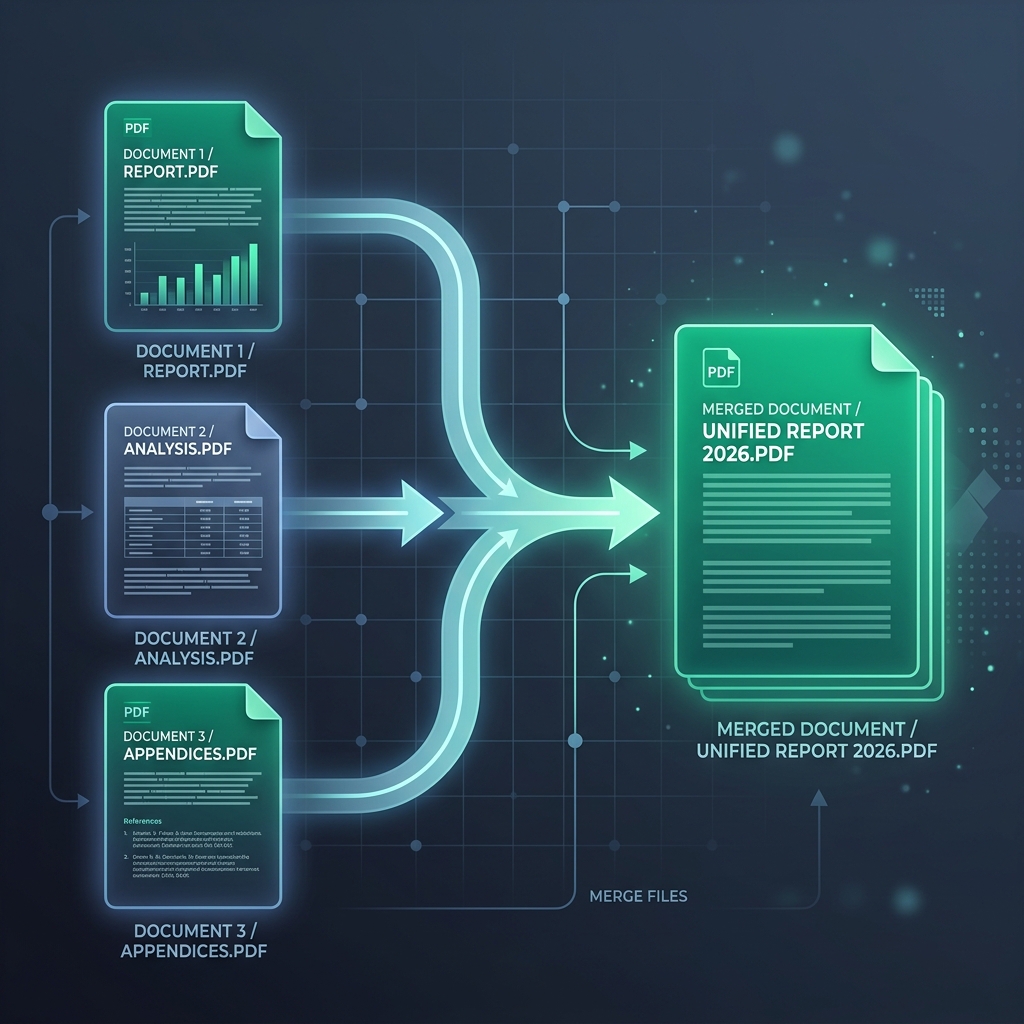
Step-by-Step Guide: How to Merge PDFs Online
- Add Your Files: Go to Raha Merge PDF and drag your documents into the workspace.
- Reorder Pages: Use our visual grid to drag and drop files into your desired order. You can even move individual pages within a document.
- Check Alignment: Ensure all documents have consistent page sizes. Our tool can automatically normalize pages to A4 or Letter format.
- Hit Merge: Click the 'Combine' button. The process happens in milliseconds because no data is sent over the network.
- Download: Your new, single PDF is ready for immediate use.
Advanced Feature: Merging Large Files
Need to combine 500MB+ worth of documents? Most online tools will crash. Because Raha Tools uses your system's local RAM via WebAssembly, we can handle massive datasets that others simply can't. This makes us the preferred choice for high-volume professionals.
Frequently Asked Questions
Is there a limit to how many PDFs I can merge?
No. At Raha Tools, we don't believe in limits. You can merge as many files and pages as your computer's browser can handle.
Will merging PDFs reduce the quality?
Not at all. Our tool preserves the original vector data and image quality. If you want to reduce the size later, you can use our PDF compression tool.
Can I merge password-protected PDFs?
Yes, but you will need to provide the password for each file before our engine can read and combine them. See our security guide for more info.
