5 Ways to Password Protect PDF
Online & Free
Is your sensitive data safe? Discover the most robust methods to encrypt your PDF files with military-grade AES-256 protection in seconds.
Your PDF files carry your most sensitive information. From financial statements and legal contracts to personal identity documents, sending a PDF without protection is like sending a postcard through the mail—anyone who handles it can read the contents.
In 2026, document leaks and data breaches are at an all-time high. Protecting your PDFs is no longer optional; it's a necessity. In this guide, we'll walk you through five professional ways to password protect a PDF online for free, ensuring your data stays private and secure.
⚠️ Warning: Don't Use Cloud-Based Encryption
Many "free" online tools upload your document to their servers to add a password. This means your private file—and your new password—are stored in their database. For maximum security, always use a Local-First tool like Raha Tools that encrypts files directly in your browser.
1. Military-Grade AES-256 Encryption (The Gold Standard)
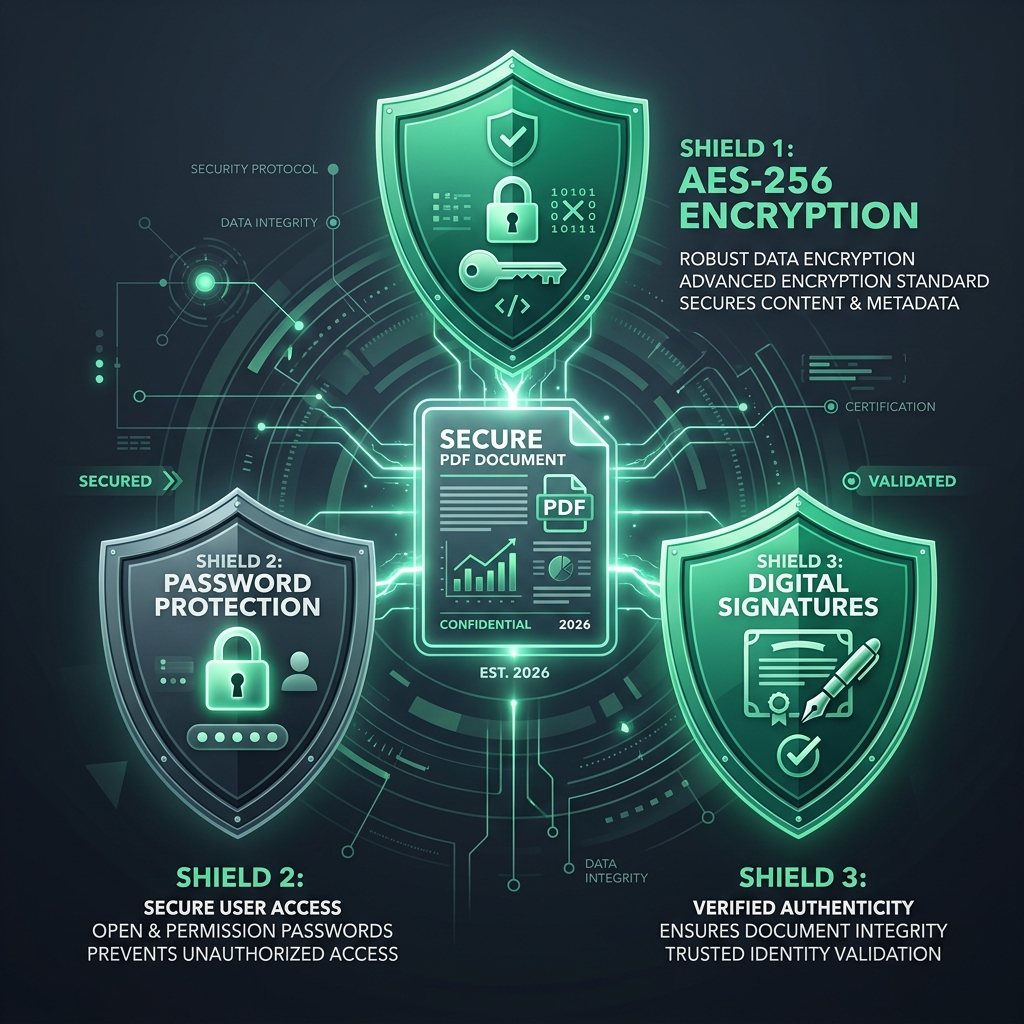
The most secure way to protect a PDF is using 256-bit Advanced Encryption Standard (AES-256). This is the same level of security used by banks and government agencies.
With Raha Tools Protect, we apply this encryption natively in your browser. This means the transformation from "readable" to "encrypted" happens on your device, so the unencrypted data never touches the internet.
2. Owner Passwords vs. User Passwords
Did you know there are two types of PDF passwords? Understanding the difference is crucial for effective document management.
- User Password (Document Open Password): Required to even view the contents of the file.
- Owner Password (Permissions Password): Allows the user to view the file but prevents them from printing, copying text, or modifying the document.
For high-security files, we recommend setting both to ensure total control over your intellectual property.
3. Digital Signatures and Watermarking
Security isn't just about passwords; it's also about authenticity. Adding a digital signature proves that the document hasn't been altered since you signed it. Combined with a "Confidential" watermark, you create a psychological and technical barrier against unauthorized sharing.
4. Browser-Based Protection (The Fast Way)
If you need to protect a file now, follow these simple steps:
- Go to the Raha PDF Protect tool.
- Upload your document.
- Enter a strong password (at least 12 characters).
- Download your encrypted file instantly.
5. Protecting PDF on Mobile
If you're on the go, you can still secure your documents. Our tools are fully optimized for mobile browsers, allowing you to encrypt files from your iPhone or Android device without installing a single app. Check out our mobile editing guide for more on-the-go productivity tips.
Secure Your Documents Now
Don't leave your privacy to chance. Encrypt your first PDF in seconds.
Start Free EncryptionFrequently Asked Questions (FAQ)
Can I password protect a PDF for free?
Yes. Raha Tools provides high-level AES-256 encryption for free. There are no hidden fees or limitations on the number of files you can protect.
Is it safe to password protect PDF online?
It is safe ONLY if the tool uses client-side processing. Raha Tools is a browser-based application, meaning your document is never uploaded to a server. Your data stays private on your own device.
How do I remove a password from a PDF?
If you have the original password, you can use our PDF Editor to re-save the document without security settings, provided you have owner permissions.
