How to Reduce PDF File Size Online
(Without Losing Quality)
Is your PDF too big to email? Learn the professional secrets to shrinking file sizes by up to 90% while keeping images crisp and text readable.
"The file is too large to send." It's the most common error in digital document management. Most email providers limit attachments to 25MB, yet a single high-quality PDF presentation or report can easily exceed 50MB.
But reducing file size shouldn't mean sacrificing your document's professional look. In this guide, we'll explore how to reduce PDF file size online using advanced compression algorithms that target the heavy data without touching the visual fidelity of your work.
The 200KB Challenge
Many government and academic portals require PDFs under 200KB. Use our Extreme Compression mode to hit these targets without turning your images into a pixelated mess.
Compress to 200KB NowWhy Are PDF Files So Big?
PDFs are complex containers. They often carry more weight than necessary because of:
- Unoptimized Images: High-resolution photos that are much larger than needed for screen viewing.
- Embedded Fonts: Full font libraries included in the file rather than just the characters used.
- Hidden Data: Metadata, editing history, and non-printable objects that bloat the file.
- Vector Complexity: Thousands of tiny paths in graphics that can be simplified.
The Solution: Intelligent Visual Compression
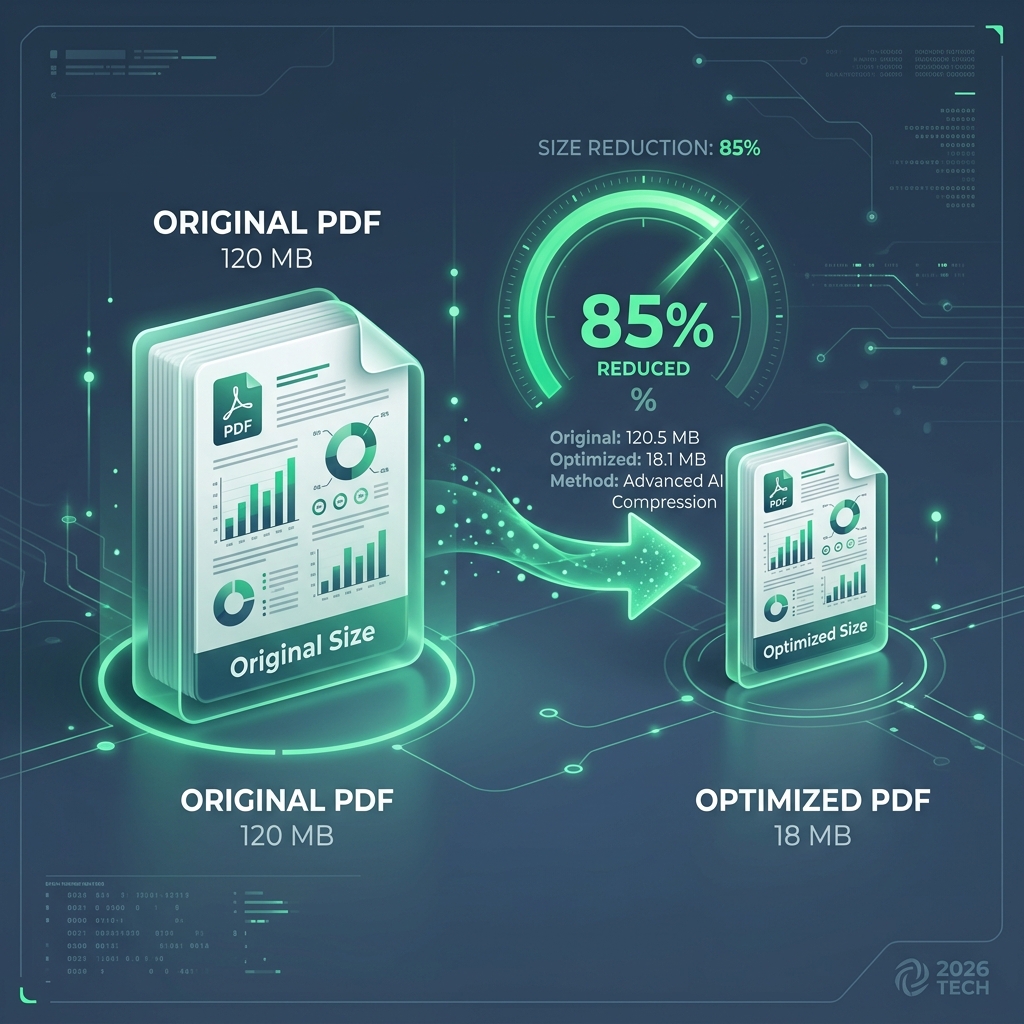
Raha Tools uses a Multi-Pass Compression engine. Instead of a "one-size-fits-all" approach, our tool analyzes every object in the PDF. It downsamples images, removes redundant metadata, and flattens invisible layers—all while preserving the vector sharpess of your text.
Step-by-Step: How to Shrink Your PDF
- Upload: Drag your file into the Raha PDF Compressor.
- Select Level: Choose between 'Recommended' (best quality/size balance) or 'Extreme' (maximum reduction).
- Optimize: Watch as the browser-side engine strips away the bloat in real-time.
- Compare: See exactly how many megabytes were saved before you even download the file.
- Download: Your optimized, email-ready PDF is ready to go.
Comparison: Raha vs Cloud Compressors
| Feature | Raha Tools | Other Online Tools |
|---|---|---|
| Processing Location | Local Browser (Private) | Remote Cloud (Risky) |
| Speed for 100MB File | Instant (Local) | Minutes (Upload/Download) |
| Visual Quality | Lossless Text | Variable |
Frequently Asked Questions
How do I reduce a PDF to 200KB?
Upload your file and select 'Extreme Compression'. Our tool will specifically target high-weight elements to help you meet strict portal requirements.
Will my PDF look blurry after compression?
No. Our 'Recommended' setting uses intelligent downsampling that keeps images looking great on screens while removing data that only high-end printers can detect.
Is there a file size limit?
Since Raha Tools works locally in your browser, you are only limited by your computer's RAM. We've successfully compressed files larger than 1GB.
