How to Convert PDF to Word
Fully Editable & Free
Tired of converted documents with broken layouts? Discover the best way to transform PDFs into flawless, editable Microsoft Word files in seconds.
PDFs were never meant to be editable. They were designed as a final, non-alterable format for viewing documents. However, we've all been there: you have a PDF, but you need to update the text, change the layout, or reuse the content in Microsoft Word.
Standard converters often fail, producing Word documents with floating text boxes, weird line breaks, and missing fonts. In this guide, we'll show you how to convert PDF to Word online using advanced structural analysis that produces a clean, natively editable document every time.
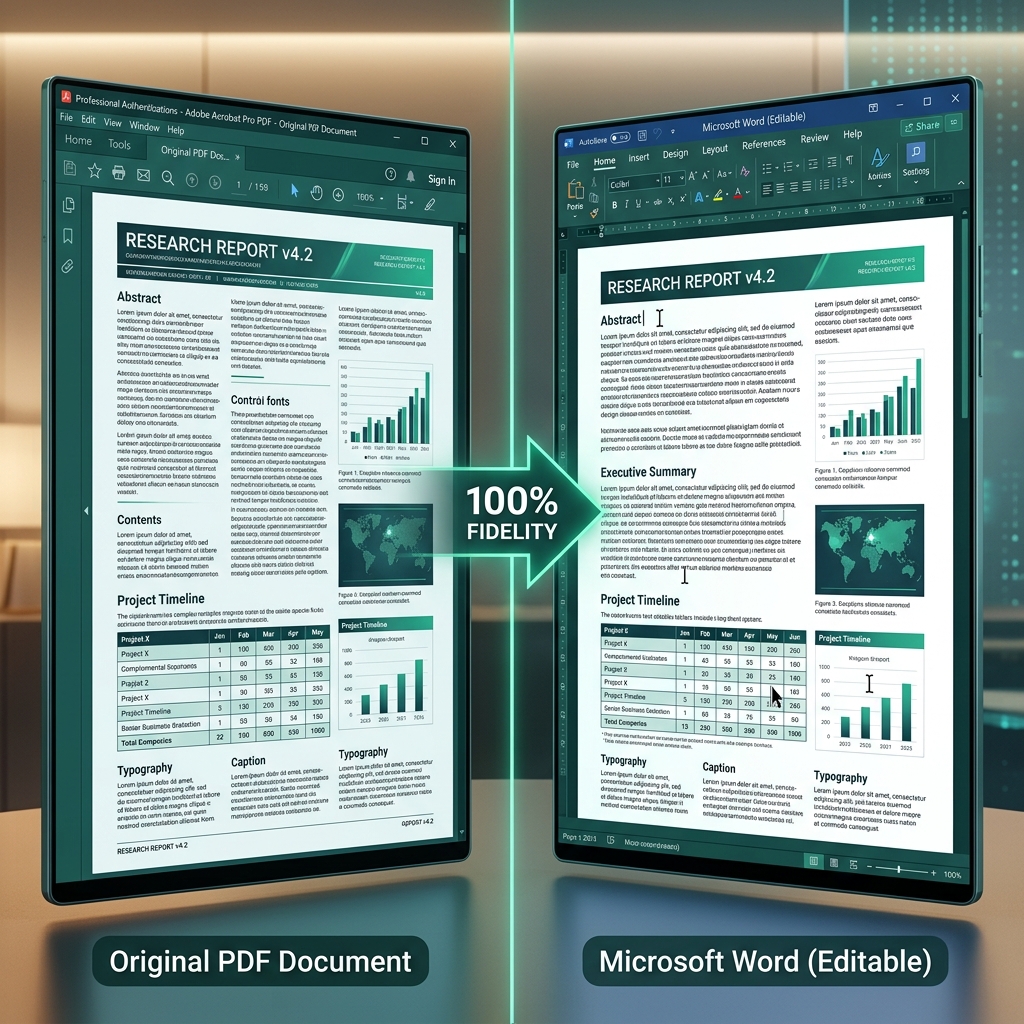
✨ The 100% Fidelity Guarantee
Our conversion engine doesn't just "read" the text; it reconstructs the entire document hierarchy. Tables stay as tables, and headings stay as headings.
Start Conversion NowThe Problem with Legacy Converters
Most online converters use outdated OCR (Optical Character Recognition) or simple text scraping. This leads to common frustrations:
- Garbled Tables: Data that should be in cells ends up as a mess of tabs and spaces.
- Column Chaos: Multi-column layouts are often read as a single, jumbled stream of text.
- Font Replacement: Beautiful typography is replaced by generic Arial or Times New Roman.
- Floating Objects: Images and text blocks that jump around when you try to type.
The Solution: Structural Reconstruction Technology
Raha Tools uses a Semantic Layout Engine. Instead of just identifying characters, it identifies the structure of the page. It knows the difference between a header, a paragraph, and a list. This allows us to rebuild a Word document that behaves exactly like it was originally typed in Word.
Step-by-Step: How to Convert Your PDF
- Upload: Drag your document into the Raha PDF to Word Converter.
- Analyze: Our engine will perform a structural scan of the document on our secure server.
- Reconstruct: We generate a .docx file that maps the PDF's coordinates to native Word elements.
- Download: Open your file in Word, Google Docs, or Pages and start editing immediately.
Handling Scanned Documents
If your PDF is a scan, you need more than just conversion; you need OCR. Our tool includes an Advanced OCR Layer that can read handwriting and complex fonts from images, turning them into selectable, editable text. Check out our Fix Non-Editable PDF Guide for more tips on handling scans.
Frequently Asked Questions
Is the converted Word document actually editable?
Yes. Unlike other tools that put text in floating boxes, we reconstruct the paragraph flow, allowing you to delete a word and have the rest of the sentence wrap naturally.
Will the formatting stay the same?
We achieve over 99% layout fidelity for most documents. Tables, lists, and images will remain in their original positions relative to the text.
Can I convert PDF back to Word for free?
Yes. Free-tier users get a generous daily allowance; Pro and Team plans offer higher limits.
